> ## Documentation Index
> Fetch the complete documentation index at: https://aci.dev/docs/llms.txt
> Use this file to discover all available pages before exploring further.
# App Configuration
> You need to create an App Configuration before your AI agents can use an App.
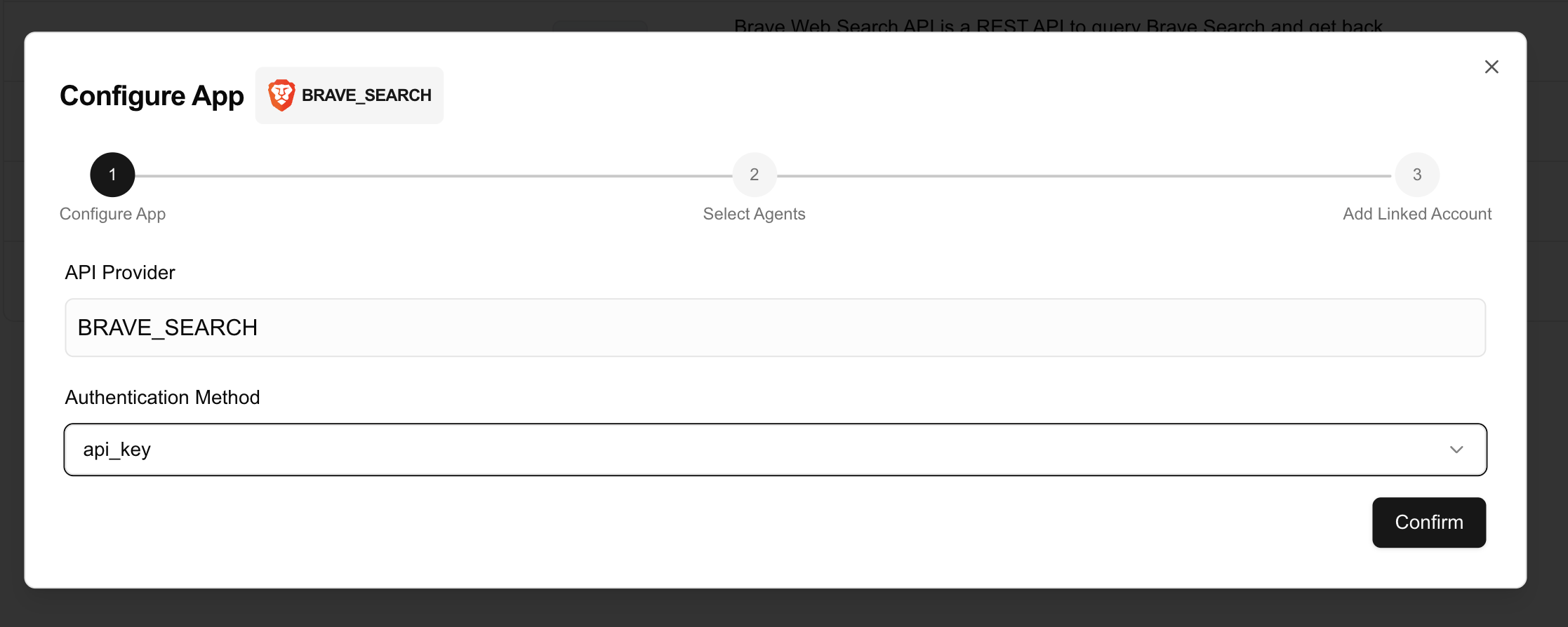
An `App Configuration` is created when you configure an `App` under a `Project`. It is a project-specific integration setting for a third-party service (an App) in the ACI platform. It represents:
 * **Integration Record**: The formal relationship between your Project and a specific App (like GitHub, Google Calendar, etc.)
* **Authentication Strategy**: The selected security scheme (`OAuth2`, `API Key`, `No Auth`) used for authenticating with the App
* **Security Overrides**: Custom authentication parameters that override default App settings (e.g., client IDs, secrets)
* **Function Access Control**: Which specific functions from the App are enabled for use in your Project
* **Linked Accounts Management**: Serves as the parent configuration for all individual user accounts connected to this App
You **MUST** create an `App Configuration` before your AI agents can use an `App`. Each `Project` can have one configuration per `App`, allowing you to control which `Apps` and `Functions` are accessible within that `Project`.
Each Project can configure multiple Apps, but only one configuration per App is allowed to maintain simplicity. App Configurations are prerequisites for using any third-party service with your AI agents and are managed through the ACI Developer Portal.
## Authentication Types
Each App may support one or more authentication types. You need to select one that works for your use case when creating an `App Configuration`.
All the `Linked Accounts` under the `App Configuration` will use the same authentication type.
* **OAuth2**: The most common authentication type for third-party services, e.g.: Gmail
For OAuth2-based apps, you can use your own OAuth2 client instead of ACI.dev's default OAuth2 client. Please refer to [OAuth2 White-label](/advanced/oauth2-whitelabel) for more details.
* **API Key**: A simple authentication method that uses an API key to authenticate requests, e.g.: Brave Search
* **No Auth**: Some apps do not require additional authentication, e.g.: Arxiv, Hackernews
* **Integration Record**: The formal relationship between your Project and a specific App (like GitHub, Google Calendar, etc.)
* **Authentication Strategy**: The selected security scheme (`OAuth2`, `API Key`, `No Auth`) used for authenticating with the App
* **Security Overrides**: Custom authentication parameters that override default App settings (e.g., client IDs, secrets)
* **Function Access Control**: Which specific functions from the App are enabled for use in your Project
* **Linked Accounts Management**: Serves as the parent configuration for all individual user accounts connected to this App
You **MUST** create an `App Configuration` before your AI agents can use an `App`. Each `Project` can have one configuration per `App`, allowing you to control which `Apps` and `Functions` are accessible within that `Project`.
Each Project can configure multiple Apps, but only one configuration per App is allowed to maintain simplicity. App Configurations are prerequisites for using any third-party service with your AI agents and are managed through the ACI Developer Portal.
## Authentication Types
Each App may support one or more authentication types. You need to select one that works for your use case when creating an `App Configuration`.
All the `Linked Accounts` under the `App Configuration` will use the same authentication type.
* **OAuth2**: The most common authentication type for third-party services, e.g.: Gmail
For OAuth2-based apps, you can use your own OAuth2 client instead of ACI.dev's default OAuth2 client. Please refer to [OAuth2 White-label](/advanced/oauth2-whitelabel) for more details.
* **API Key**: A simple authentication method that uses an API key to authenticate requests, e.g.: Brave Search
* **No Auth**: Some apps do not require additional authentication, e.g.: Arxiv, Hackernews